Procreate Patterns and Textures Brushset
Why Texture Matters in Modern Visual Design
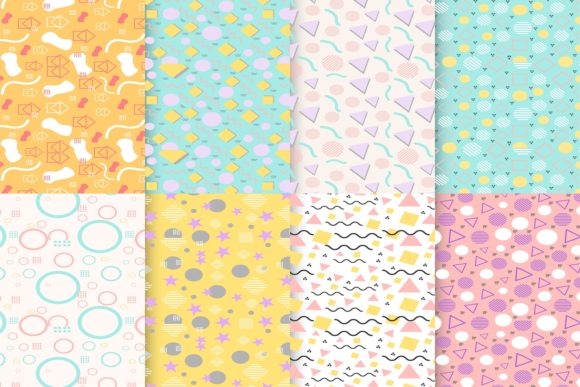
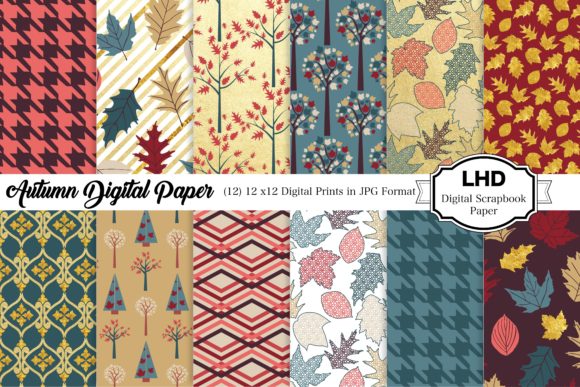
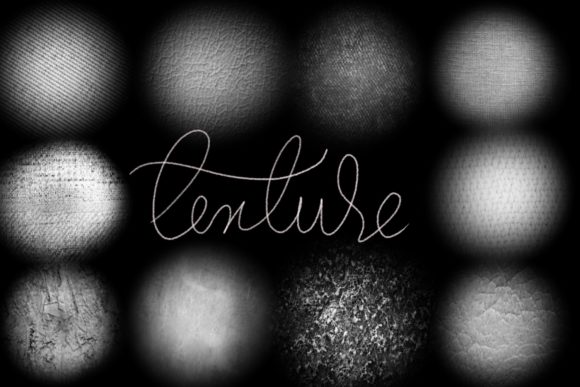
- Context-aware patterns: From geometric repeats ideal for packaging backgrounds to irregular organic textures suited for editorial illustrations.
- Non-destructive layering: Brushes work seamlessly with Procreate’s blending modes and layer masks—enabling iterative refinement without flattening or losing editability.
- Consistent scale & resolution: All brushes are optimized for Retina displays and export-ready at 300 DPI, ensuring crisp output across print design, web assets, and social media graphics.
Real-World Applications Across Creative Disciplines
In logo design, a single brushed stroke can transform a flat icon into something evocative—think a coffee shop emblem rendered with chalkboard texture, or a skincare logo softened with rice paper grain. For social media graphics, quick texture overlays add visual hierarchy and stop-the-scroll impact, especially in carousel posts where contrast and tactility boost retention.
Web and UI design benefit from subtle background textures that reduce visual fatigue—soft noise layers behind form fields or textured dividers between content sections improve scannability without compromising accessibility. In packaging design, realistic paper, foil, or embossed effects help mockups feel authentic during client presentations or pre-production reviews.
Even typography-driven projects gain dimension: applying a dry-brush effect to display type creates dynamic contrast, while delicate halftone patterns behind body copy support readability through controlled visual rhythm.
Using Texture With Intention
- Does this enhance the message or distract from it?
- Is the texture legible at all intended sizes—from mobile thumbnails to large-format prints?
- Does it align with existing brand elements (color palette, typography, tone)?
- Can it scale gracefully across formats without requiring manual rework?